Insights: Re-Run a Task
In some cases you will want to run a pipeline with the same set of settings, or similar settings, that you used for a previous run. For example, you may want to run the same pipeline on a different file but with the same settings. Or you may want to run the same pipeline on the same file but with a slight change to one or more of the settings (i.e., for iterative testing or analysis).
Neuroscale Insights lets you do this easily by allowing you to "copy" a previous task, by clicking the Copy button for the task in the List Tasks page, or by clicking the Copy Task button on the Task Details page.
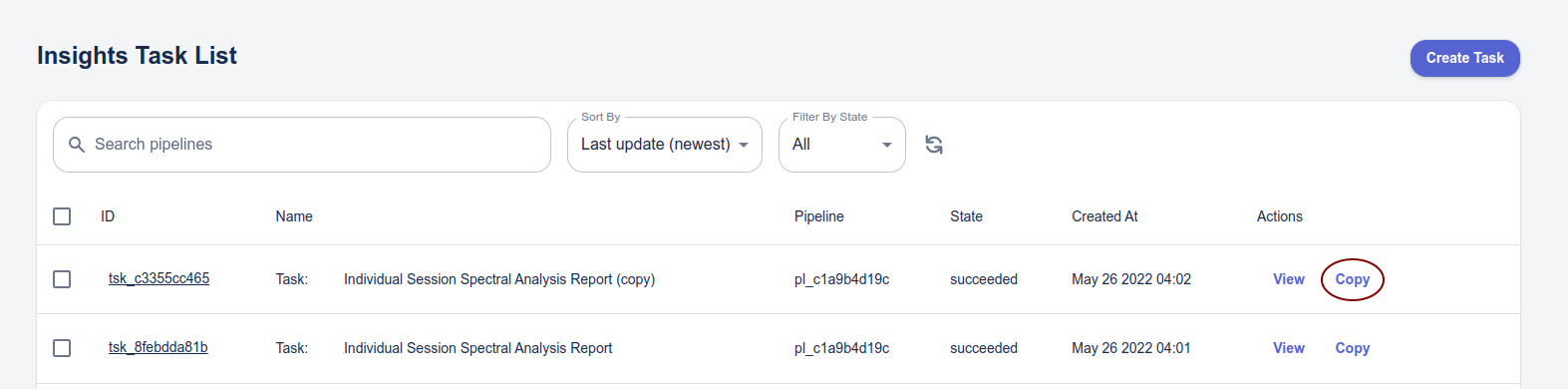
In either case you will be taken to the Create Task page which will be pre-populated with the settings from the selected task.
The Task will have the same name as the original with (copy) added to the end. You can rename the task to more specifically identify this variant simply by clicking on the task name and editing it.
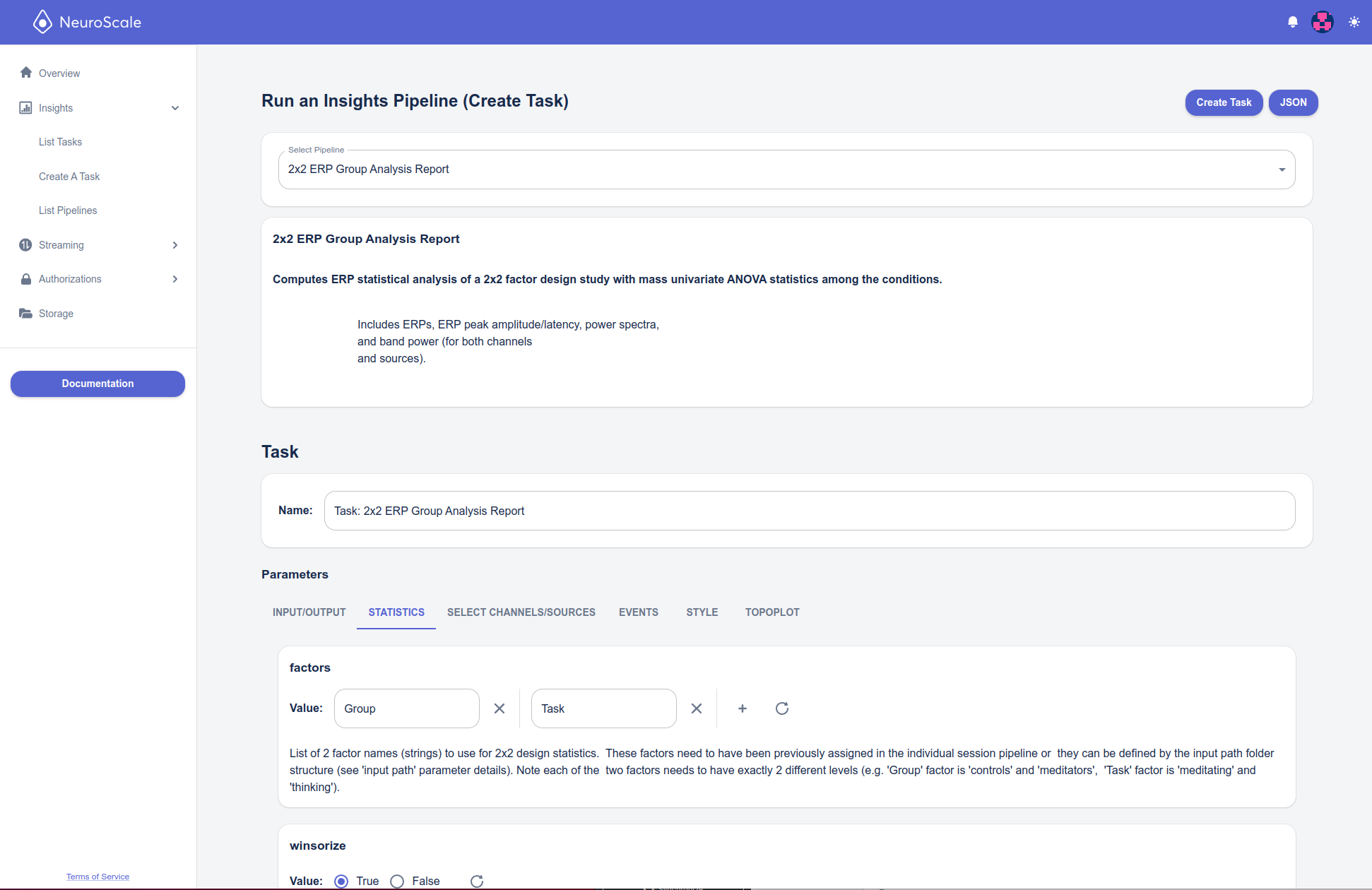
Make the desired changes to the parameters (i.e., a different input_path to run the same settings on a different file, or different settings to run those on the same file as before), and click Create Task to launch the pipeline. You will then see it in the Task list.